

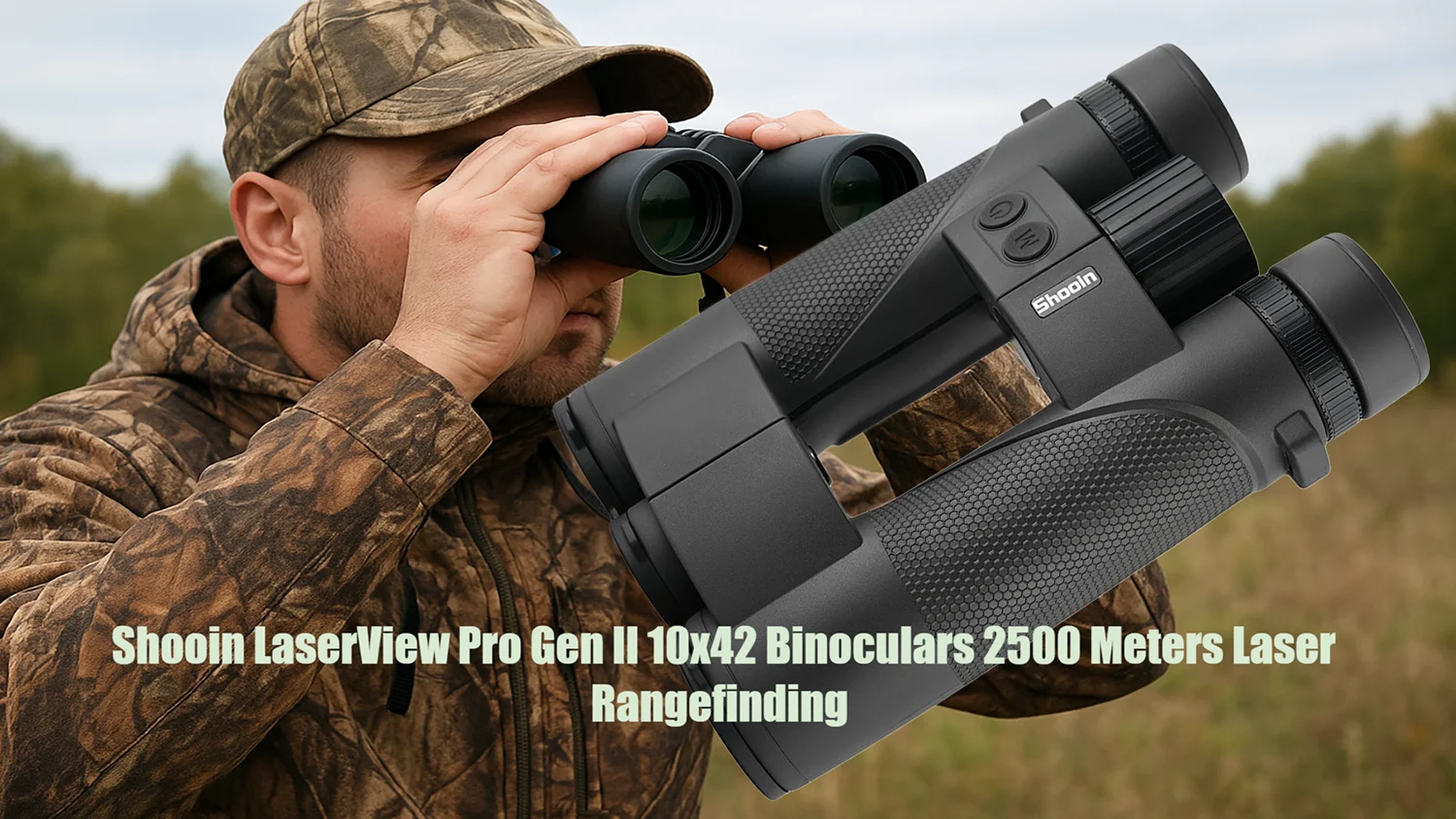
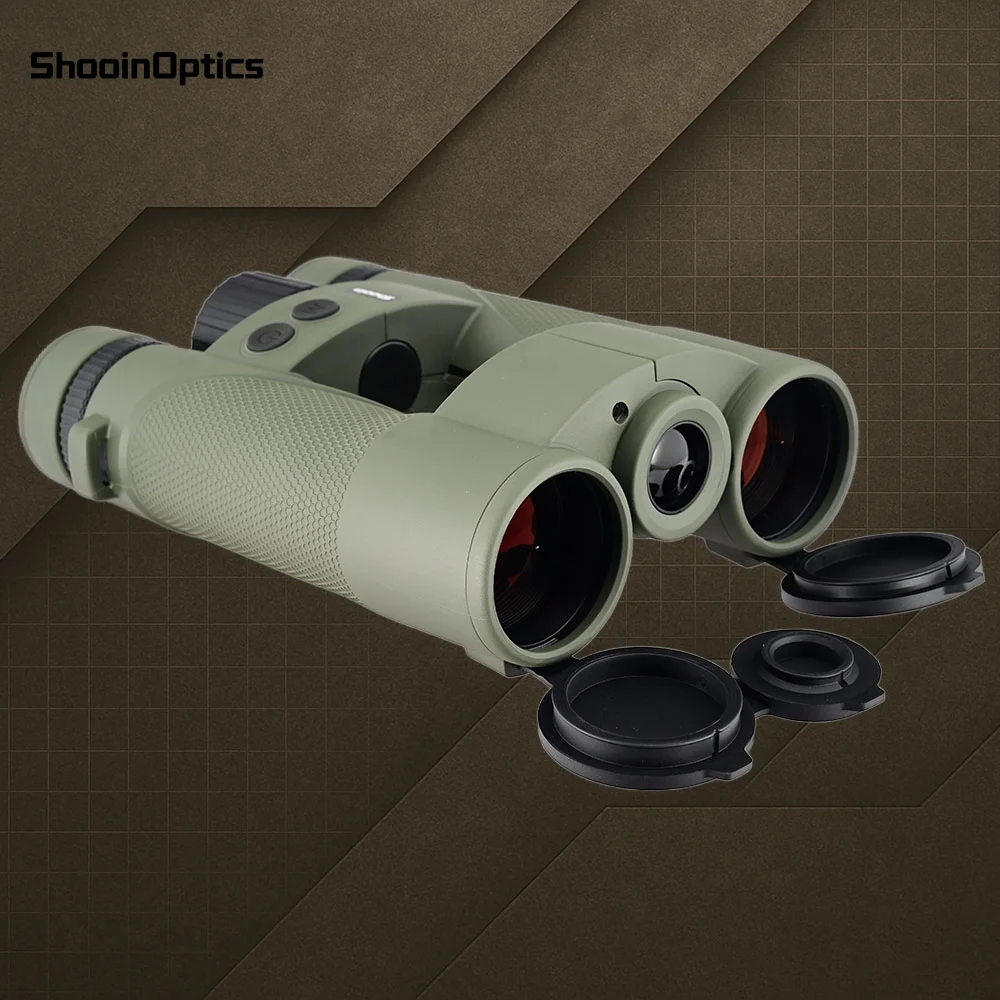
Shooin LaserView Pro Gen II Laser Rangefinder 10x42 Binoculars 2500m Distance Range/Speed/Angle Measurement
Shooin LaserView Pro Gen II Laser Rangefinder 10x42 Binoculars 2500m Distance Range/Speed/Angle Measurement
No se pudo cargar la disponibilidad de retiro
- Brand Name : Shooin
- Origin : Mainland China
- High-concerned chemical : None
- Measurement Distance : 2500
- Operation System : Laser
- Model Number : LaserView Pro Gen II
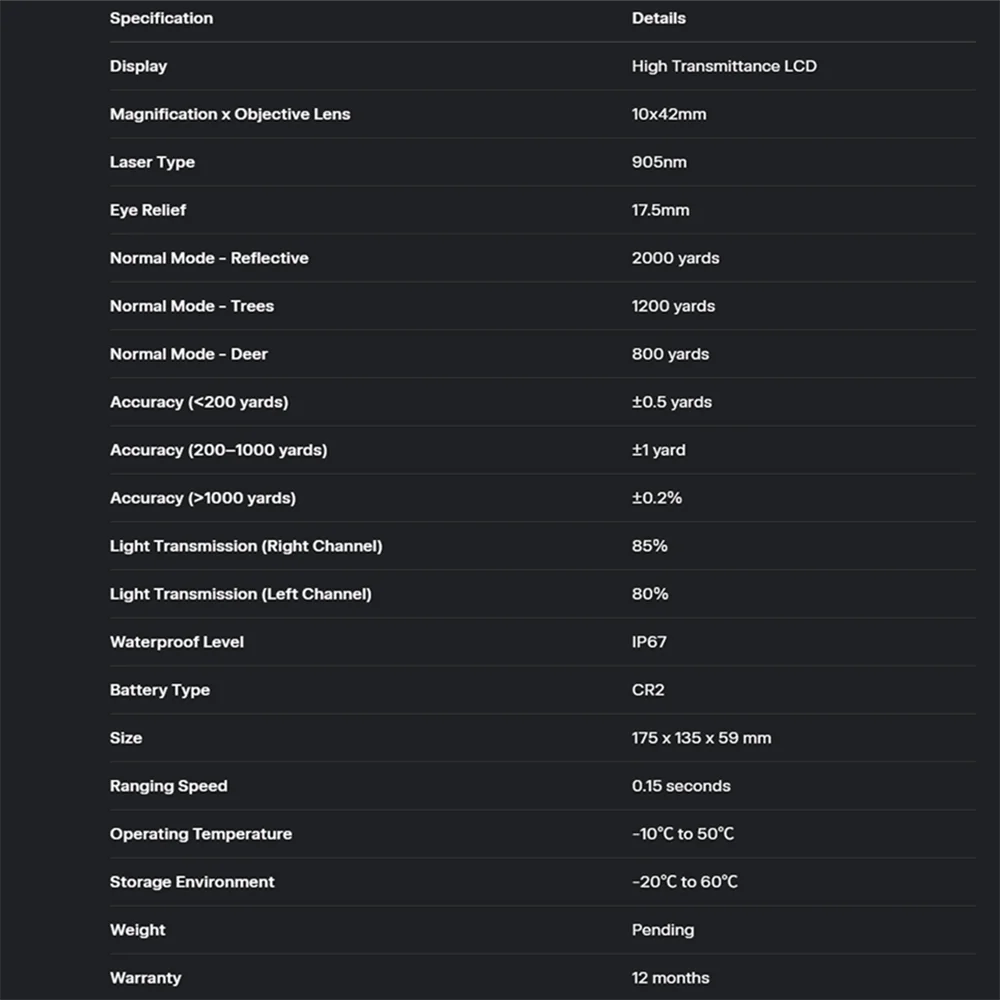
- Display : High transmittance LCD
- Magnification x Objective Lens : 10x42mm
- Laser type : 905nm
- Eye Relief : 17.5mm
- Normal mode - Reflective : 2000 yards
- Normal mode - Trees : 1200 yards
- Normal mode - Deer : 800 yards
- Accuracy1 : <200: ±0.5Y
- Accuracy2 : 200-1000: ±1Y
- Accuracy3 : >1000: ±0.2%
- Light Transmission : Right Channel: 85%
- Left Channel : 80%
- Waterproof Level : IP67
- Battery Type : CR2
- Size : 175x135x59mm
- Ranging Speed : 0.15s
- Operating Temperature : -10℃ ~ 50℃
- Storage Environment : -20℃ ~ 60℃
- Weight : Pending
- Warranty : 12 months
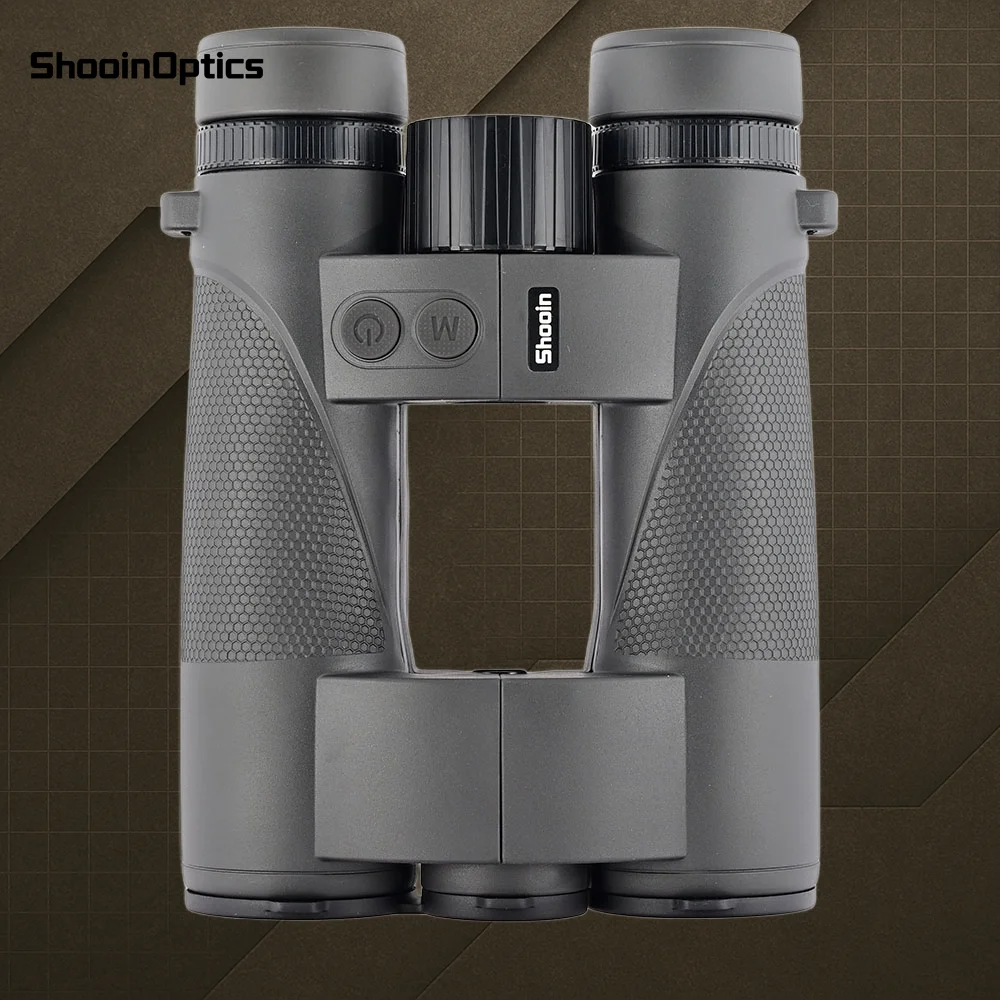
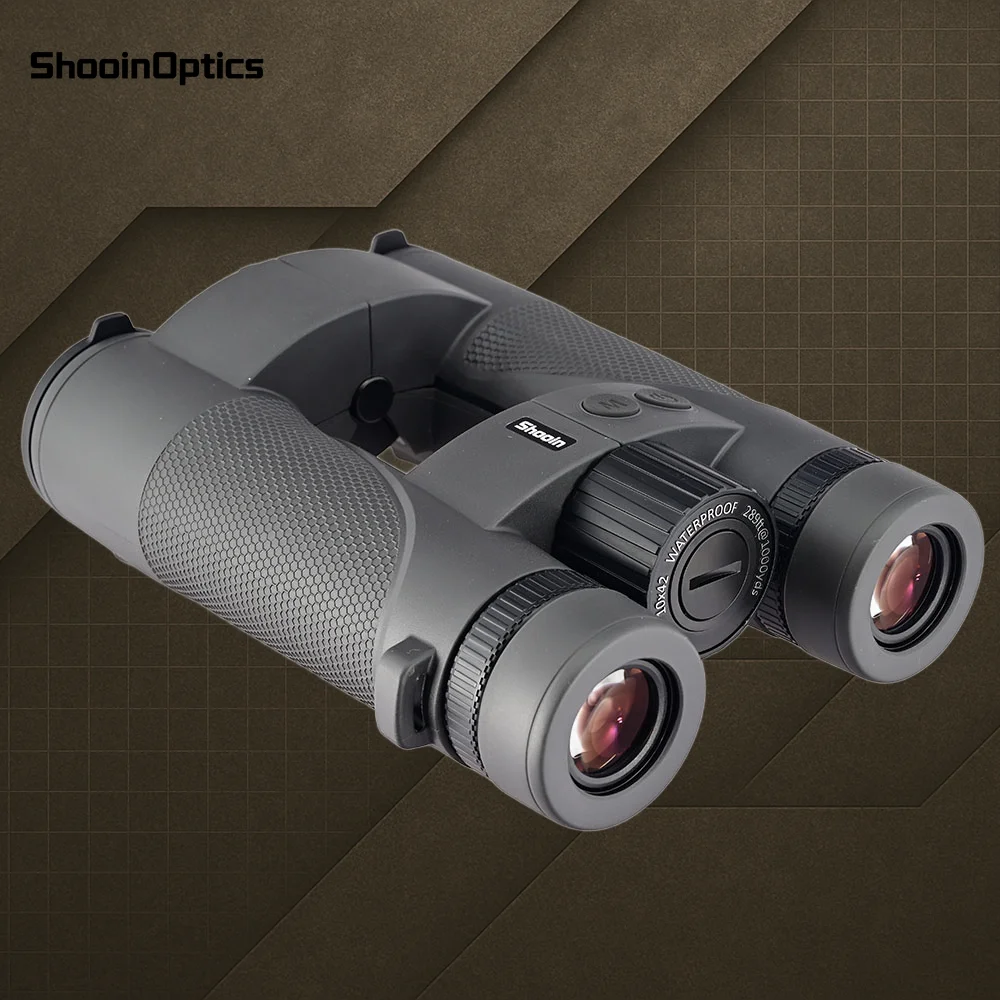
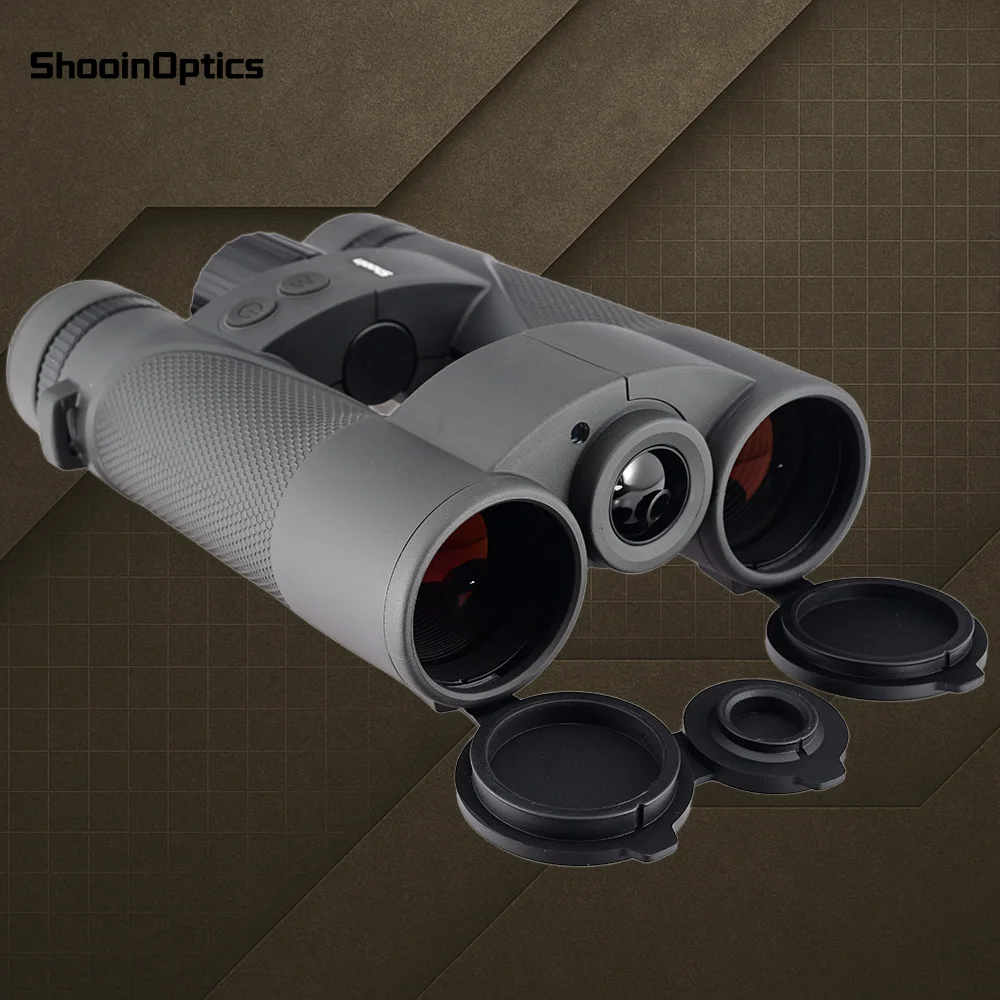
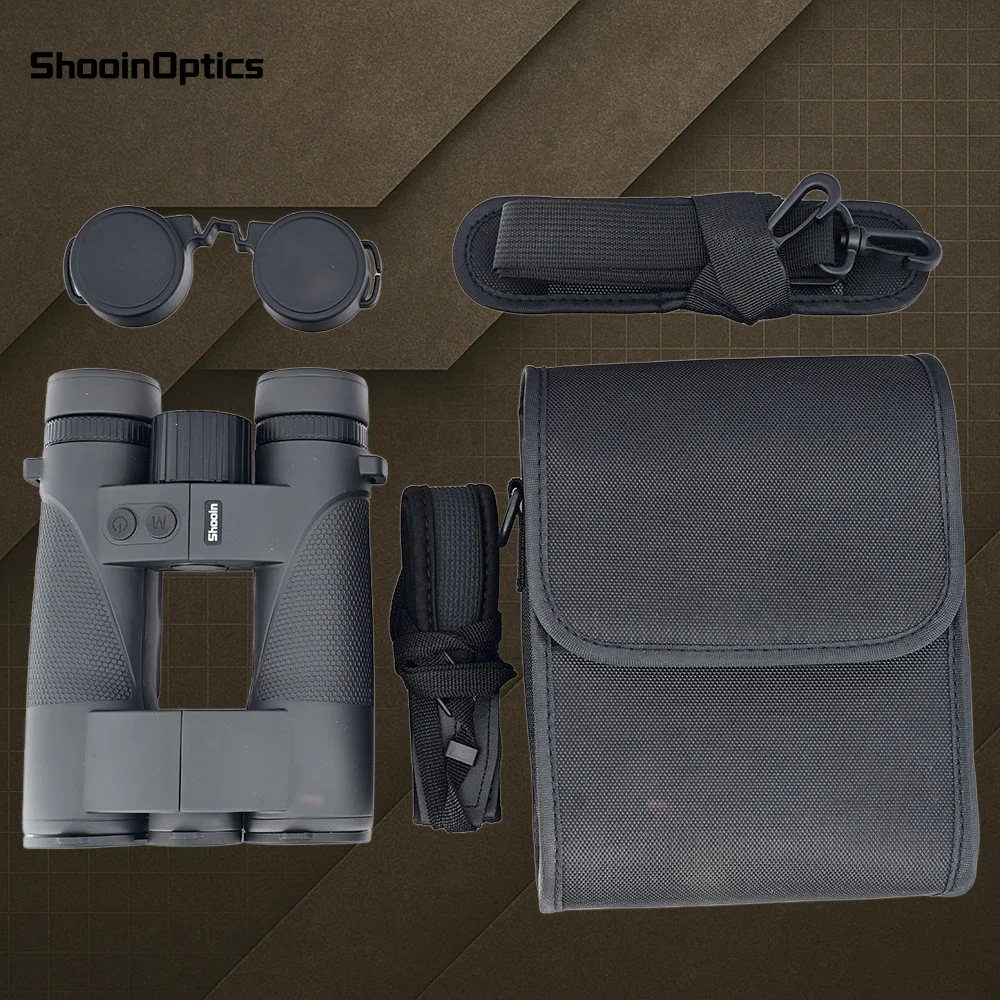
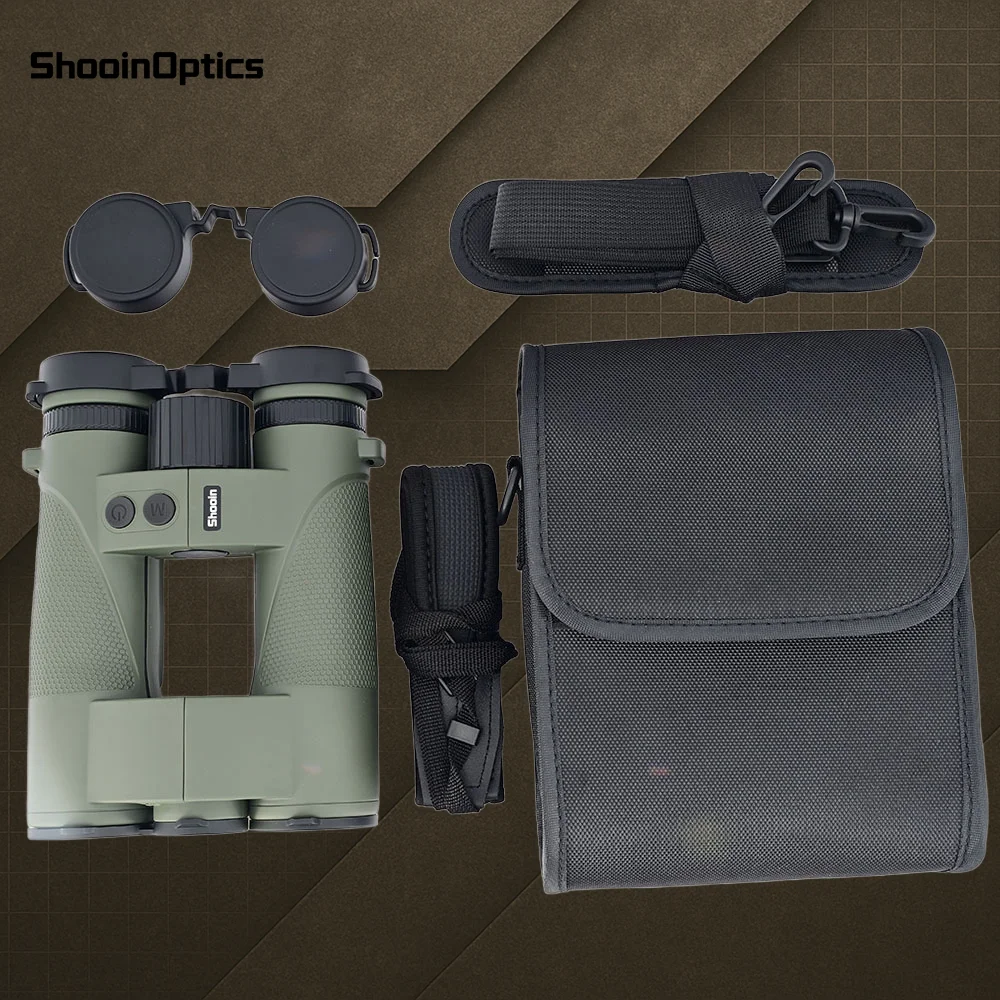
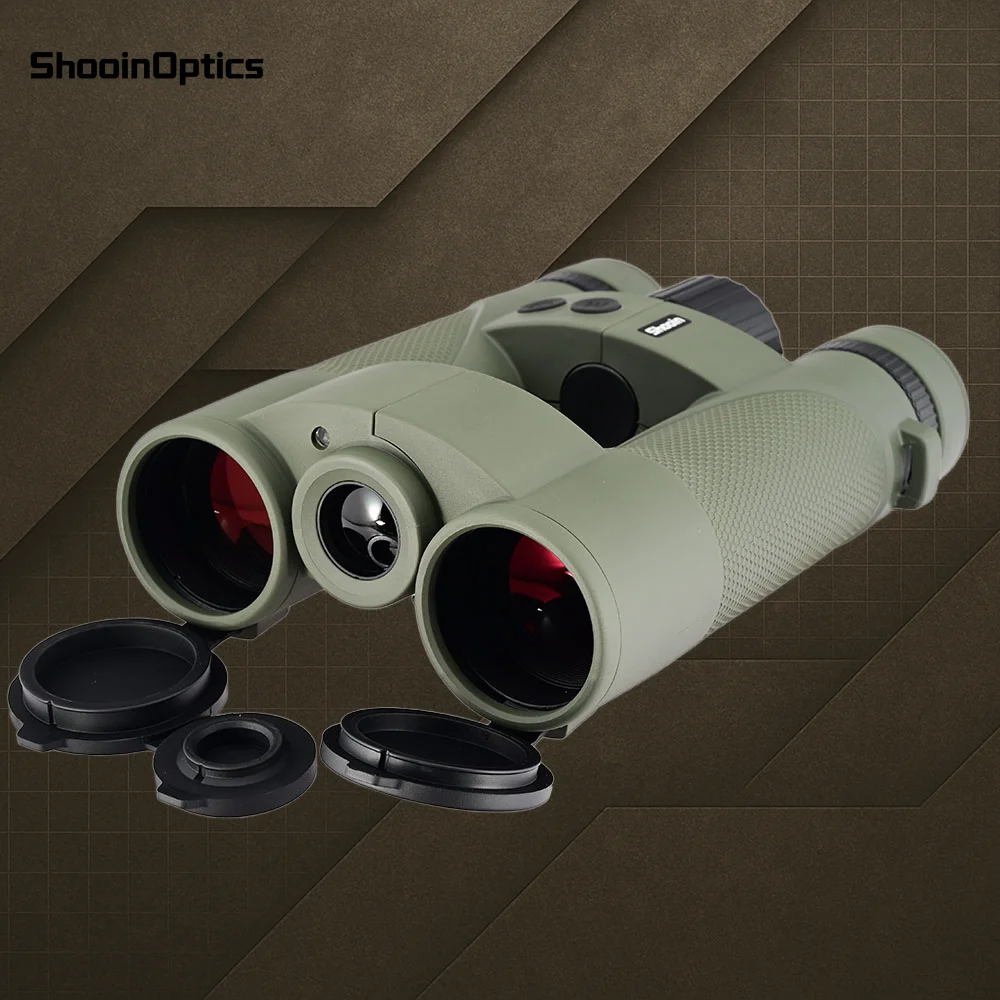
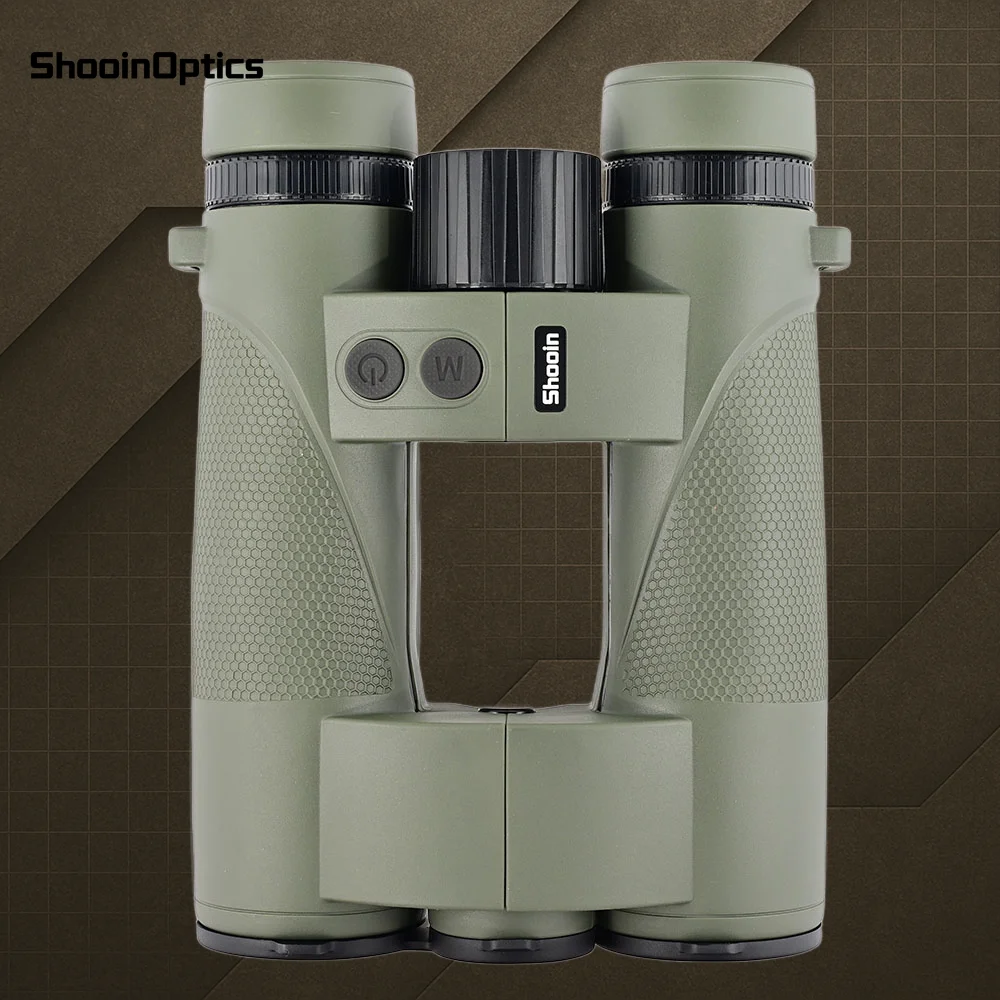
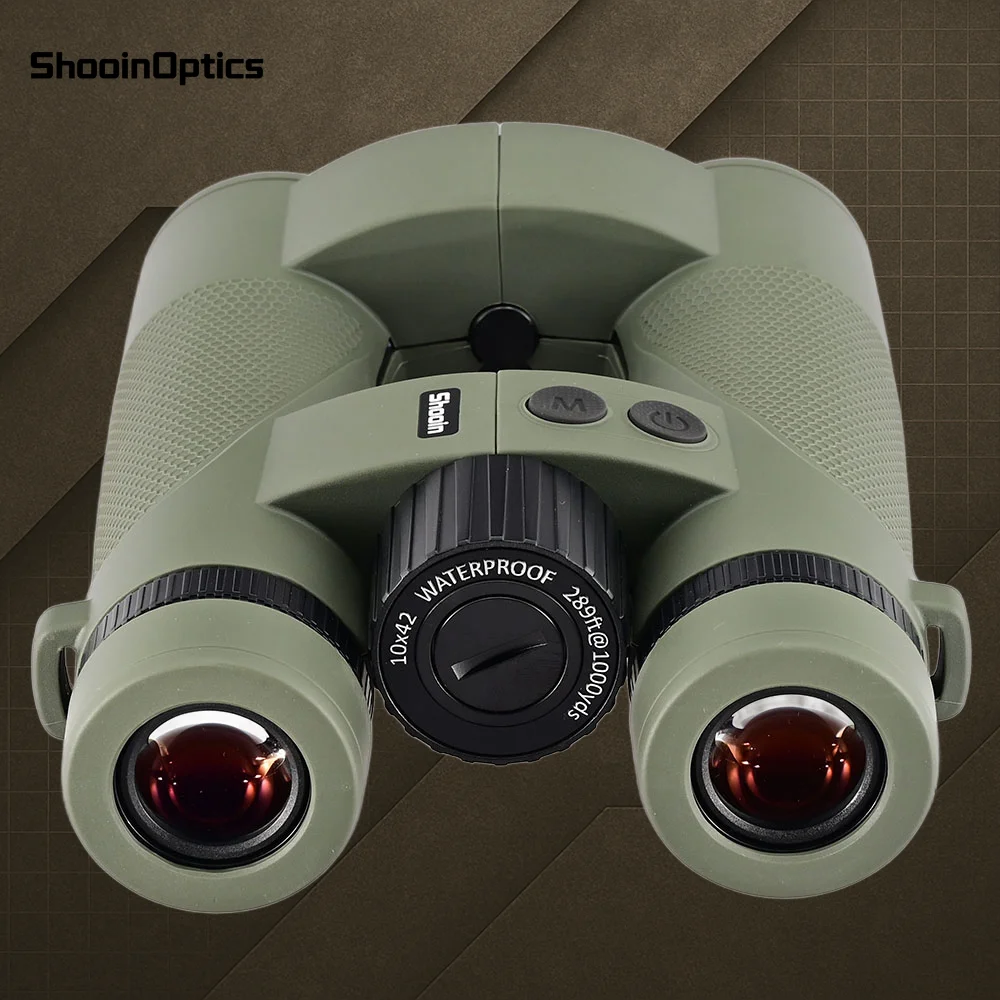
User Manual
Quick Start Guide
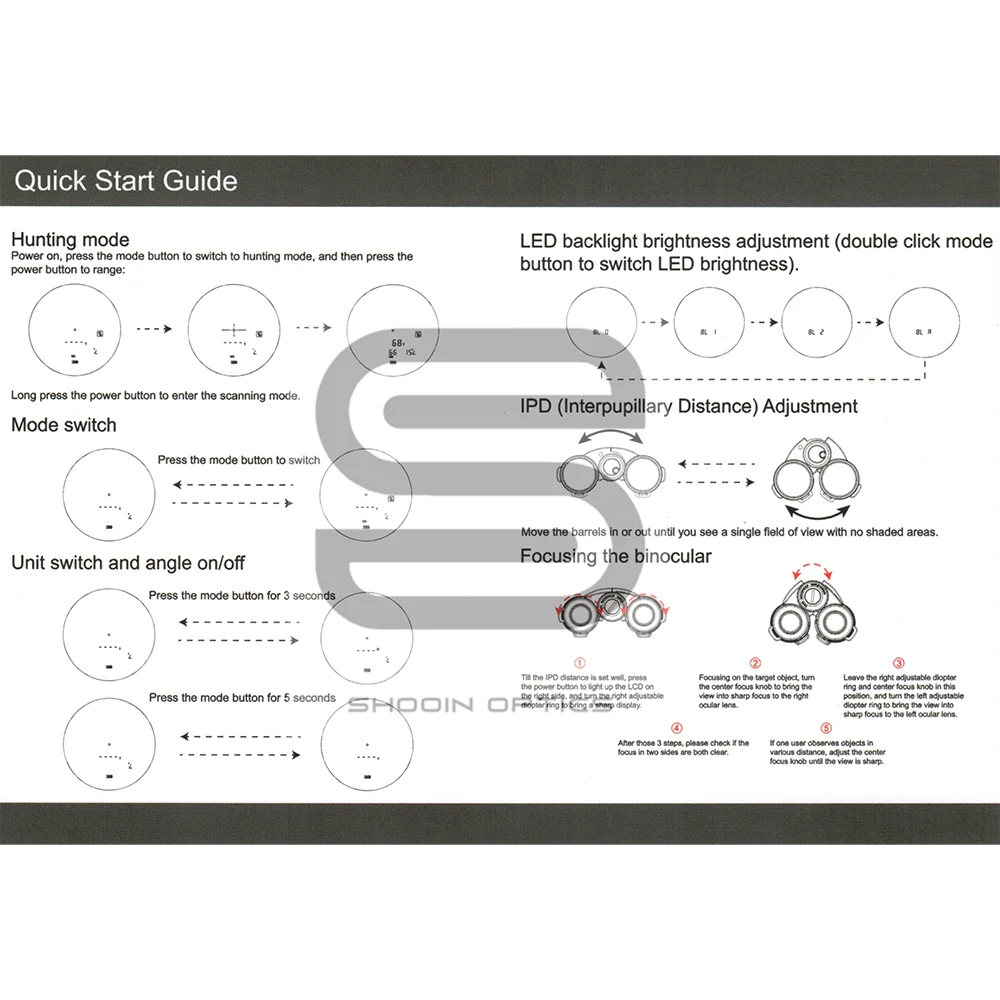
1. Hunting Mode
Steps:
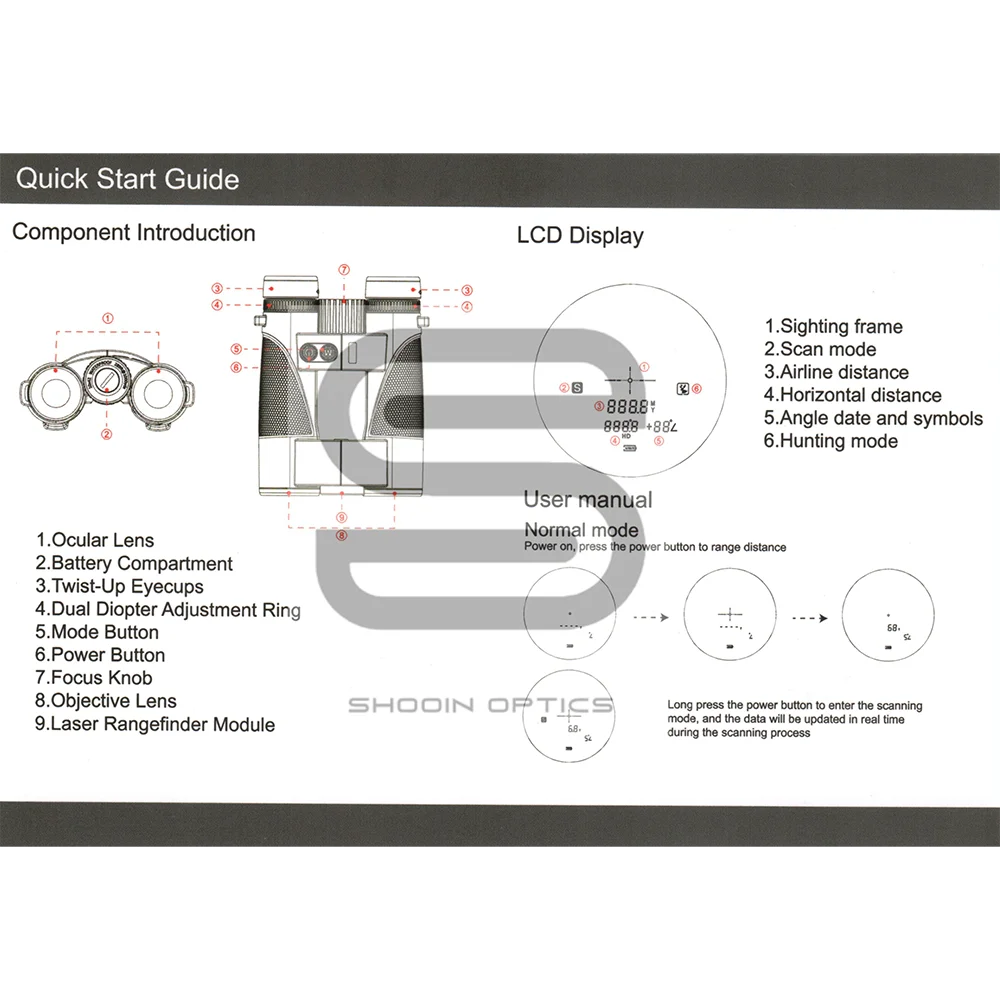
Power On: Press the Power Button to turn on the device.
Enter Hunting Mode: Press the Mode Button to switch to Hunting Mode.
Range Measurement: Press the Power Button again to measure the distance.
Scan Mode:
Long press the Power Button to enter continuous Scan Mode for real-time measurements.
2. Mode Switching
Short press the Mode Button to switch between different modes (e.g., normal, hunting, fog, etc.).
3. Unit and Angle Switching
Long press the Mode Button for 3 seconds: Switches between meter/yards.
Long press the Mode Button for 5 seconds: Turns angle display ON/OFF.
4. LED Brightness Adjustment
Double press the Mode Button to cycle through LED backlight brightness levels:
Brightness Level |
Description |
L0 |
Off |
L1 |
Low |
L2 |
Medium |
L3 |
High |
5.Interpupillary Distance Adjustment (IPD)
Gently move the binocular barrels left or right until the view merges into a single clear circle.
Proper IPD adjustment is essential for viewing a complete and aligned image on the display.
6. Binocular Focusing Instructions
Right Eye Diopter Adjustment:
After IPD is set, press the Power Button to activate the LCD screen.
Rotate the right eyepiece diopter ring until the image is clear for your right eye.
Center Focus Wheel Adjustment:
Look at a distant object and rotate the center focus wheel until the left eye image is clear.
Final Check:
If both eyes have a clear view, focusing is complete.
If the image is blurry, repeat the right-eye diopter and center focus wheel adjustments.
✅ Important Notes
For best clarity, always adjust the IPD and diopter settings based on your vision.
Initial focusing is best done in good daylight for optimal image quality.
When switching users, re-adjust the IPD and diopter settings to match the new user's vision.